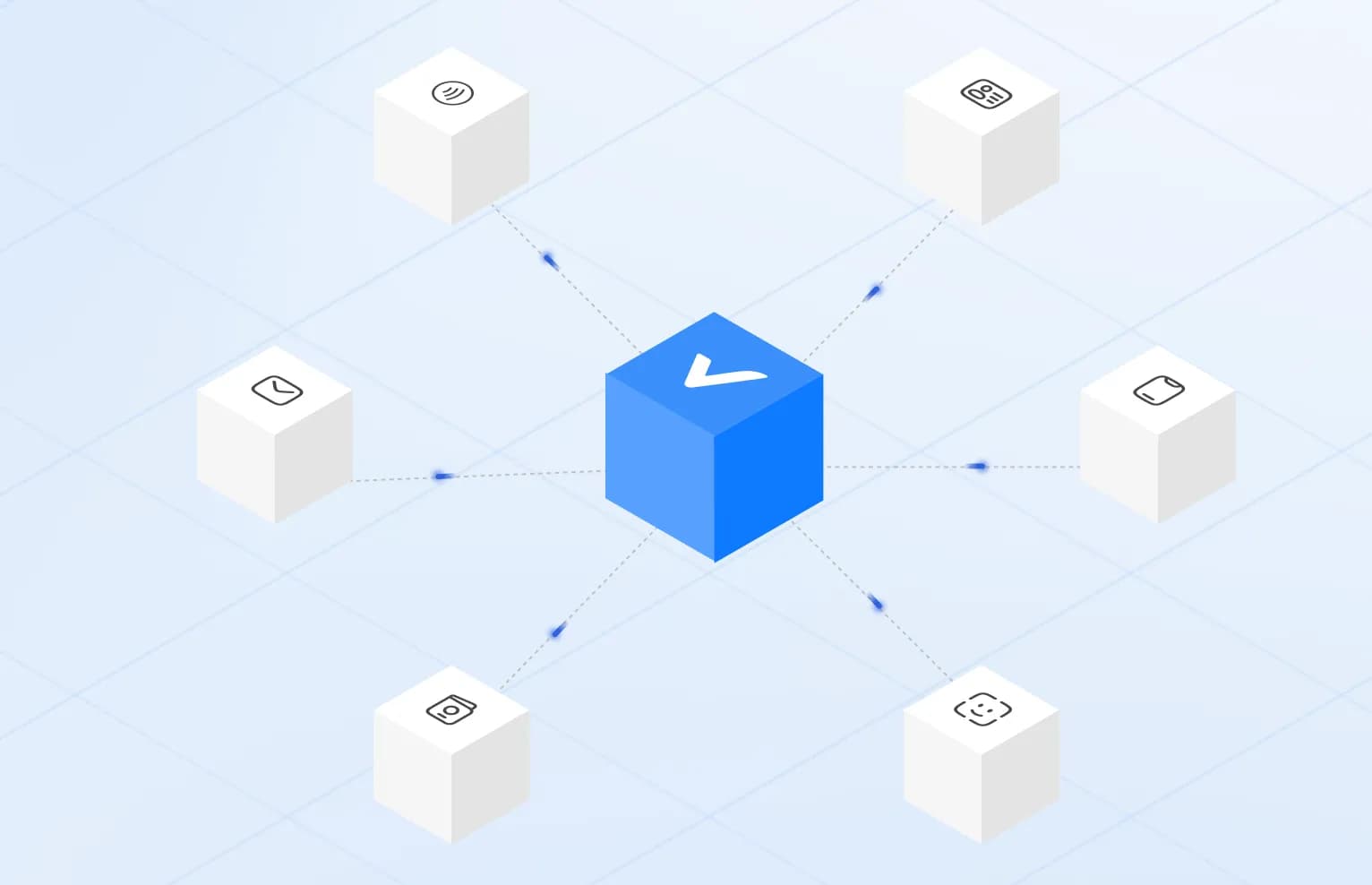
Identity Verified
How Modern Identity Verification Works
From document checks to biometrics, understand the layers behind a modern verification flow.
4 min · October 2026
Read More: How Modern Identity Verification WorksMissing a country or a custom check? Usually live within a day.Book a 15-min call
What true accept and false reject rates actually mean when you verify people at scale.
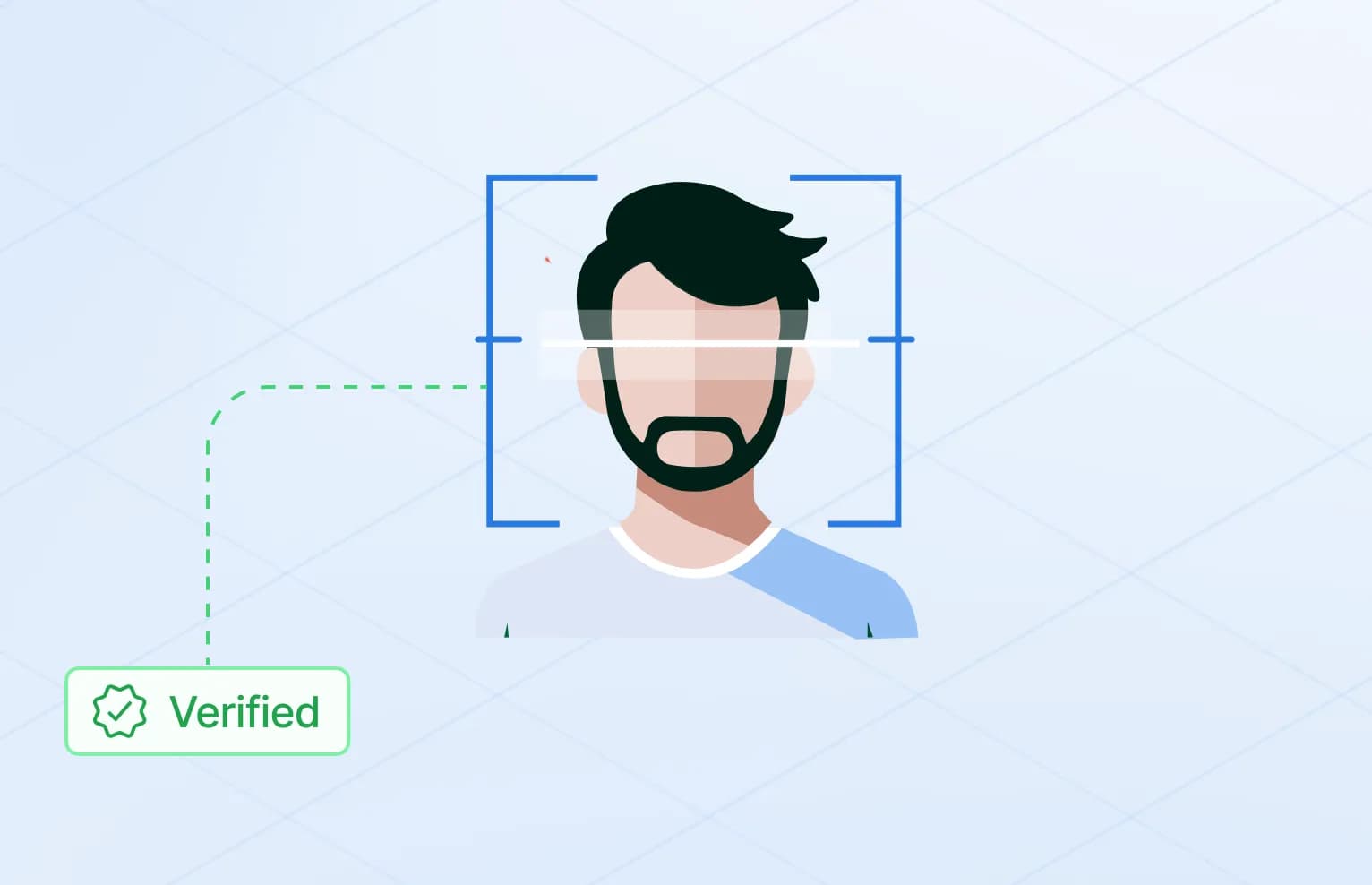
Face matching and liveness detection are often mentioned together, and many flows run them from the same selfie. They answer different questions, though, and confusing them leads to gaps.
A flow with face matching but no liveness can be beaten by holding up a good photo of the document holder. A flow with liveness but no face matching confirms that somebody real is there, but not that they are the right person. Both are needed when the goal is to tie a document to the human using it.
Face matching compares a live capture to the photo on an identity document. Accuracy at scale depends on lighting, device quality, and threshold tuning.
Under the hood, a face matching model turns each face image into a numerical representation, sometimes called a template or embedding. Two images of the same person should produce representations that are close together. Two different people should produce representations that are far apart. The system computes a similarity score and compares it to a threshold.
The reference image matters. A printed portrait on a card is small, often low resolution, may carry security patterns across the face and may be years old. Where the document has a chip, the portrait stored on the chip is usually a cleaner source, and it is signed by the issuer. That is one reason NFC chip reading improves face matching as well as document checks.
Common reasons for a genuine user to fail a match include:
Good capture guidance on screen, such as framing hints and lighting warnings, fixes many of these before they reach the model.
Liveness checks whether the capture is from a real person present at the moment, not a photo, video, or mask (how attackers try).
There are two broad approaches.
Passive liveness analyses the selfie or a short capture without asking the user to do anything special. It looks for signals that separate a real face in front of a camera from a reproduction: texture, depth cues, reflections, screen artefacts, edges of paper or devices, and small natural movements.
Active liveness asks the user to do something, such as turn their head, move closer or follow a prompt. The response is harder to fake with a static image.
Passive checks are quicker and cause less drop-off. Active checks add a second layer of evidence but take longer and can be harder for some users, including people with limited mobility or older devices. Many flows use passive liveness by default and add an active step only when risk is higher.
Liveness on its own does not solve an injection attack, where the image is fed into the session without a real camera. A convincing deepfake streamed through a virtual camera can respond to prompts. Capture integrity checks, which look at whether the feed comes from a genuine device camera, are a separate layer that should run alongside liveness.
True accept and false reject rates are a trade-off. The right threshold depends on your risk model and the cost of friction for good users.
Four outcomes are possible for any decision:
| Same person / real | Different person / attack | |
|---|---|---|
| System accepts | True accept | False accept |
| System rejects | False reject | True reject |
The threshold moves errors from one column to the other. Raise it, and fewer impostors or attacks get through, but more genuine users are rejected. Lower it, and the flow feels smoother, but more fraud passes. No setting removes both kinds of error. The question is which error costs you more.
For a regulated financial onboarding, a false accept may mean a compliance breach and direct losses, so a stricter threshold and a manual review queue make sense. For an age check at a parking or retail kiosk, a false reject means a frustrated customer in front of a machine, and the acceptable balance is different.
Be careful with headline accuracy figures. A single number rarely says which threshold it was measured at, on which population, with which devices or against which attacks. Ask vendors how rates change across thresholds and conditions, and test on your own traffic where you can.
A workable process looks something like this:
secuveri compares a live capture with the document portrait or the chip image, and confirms presence with passive or active liveness checks. Fraud signals cover screen replays, synthetic faces and injected or deepfaked feeds. You choose which checks run in each flow, and data is processed and stored in Switzerland.
This article is general information, not legal or compliance advice. Your obligations depend on your sector, licence and markets.

Build a verification experience around your business.
From document checks to biometrics, understand the layers behind a modern verification flow.
4 min · October 2026
Read More: How Modern Identity Verification Works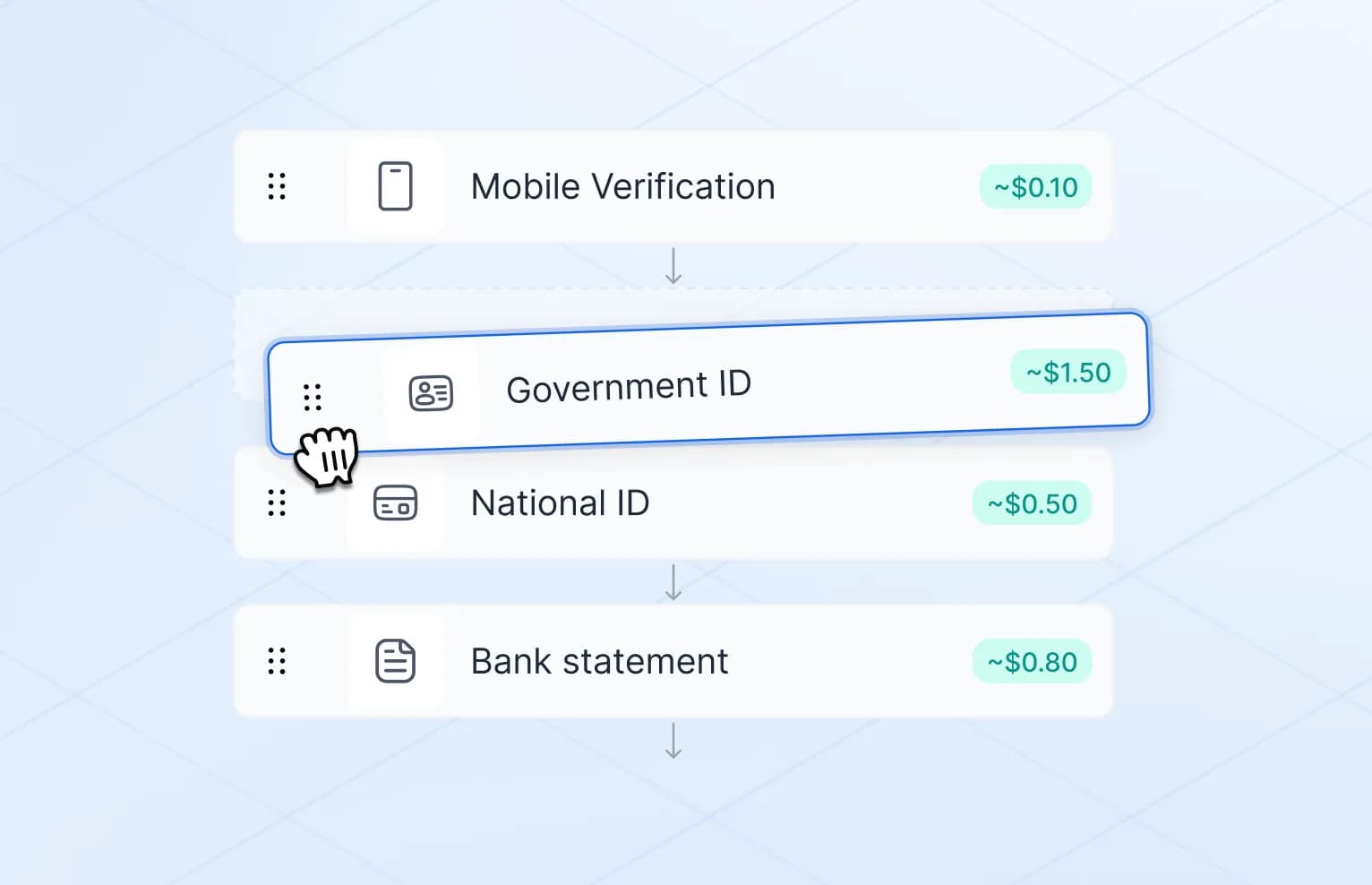
How to confirm a person is real while keeping sensitive biometric material off your servers.
4 min · October 2026
Read More: Privacy by Design in Identity VerificationTell us what you’re trying to verify. We’ll show you how secuveri can fit your workflow.