Collect less
Verification should return the decision a business needs, not a permanent copy of every biometric sample (how secuveri handles data).
Identity verification touches some of the most sensitive data a person has: a face, a government document, a date of birth and an address. Under both the Swiss nFADP and the GDPR, biometric data used to identify someone gets special protection. Every extra field you collect and every extra copy you store is something you must justify, secure and eventually delete.
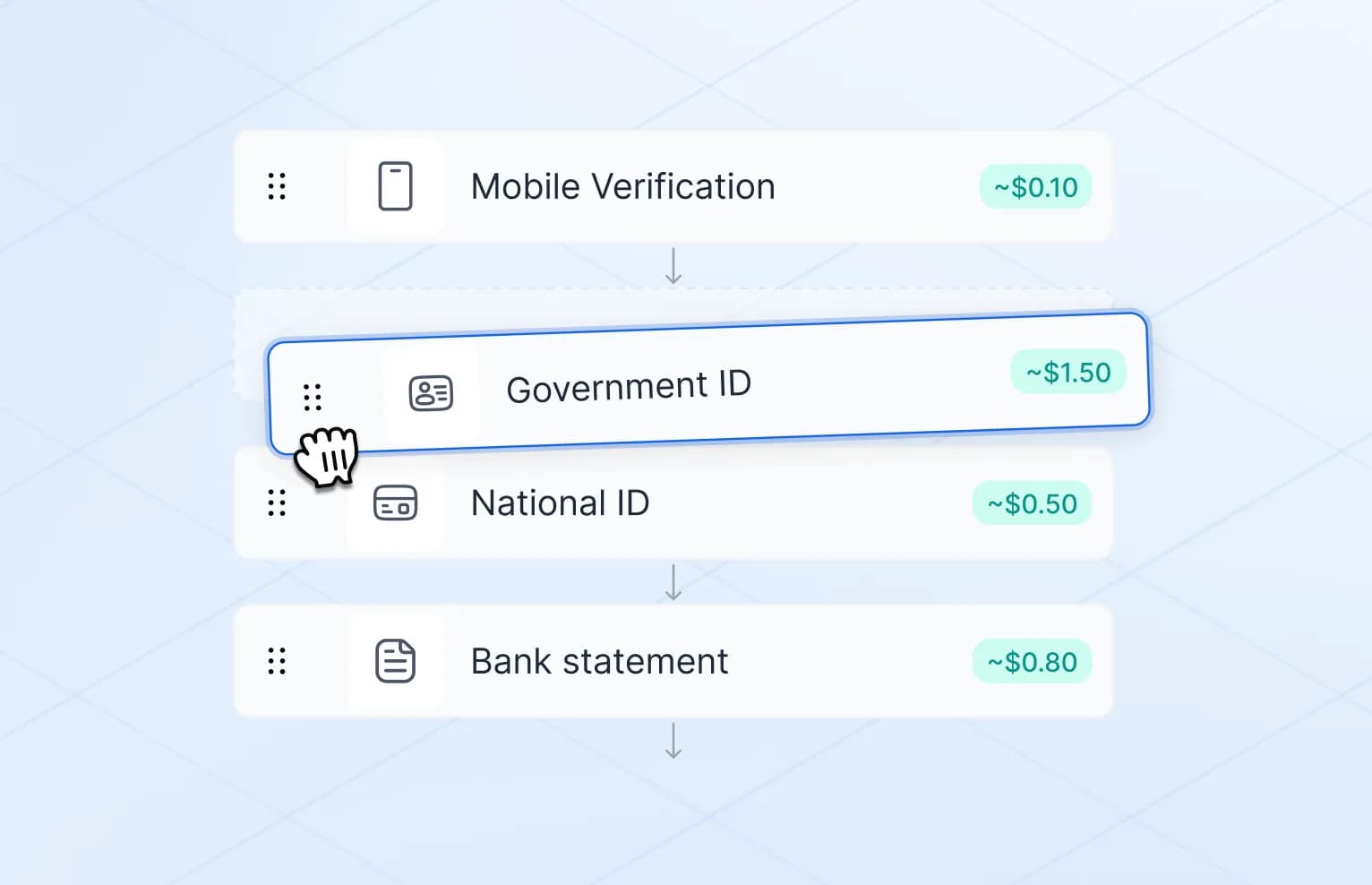
Data minimisation is the simplest control available. Before designing a flow, write down the exact question you need answered. "Is this person over 18?" needs far less data than "Who is this person, and can we open an account for them?" Then collect only what that question requires.
Purpose limitation
Data collected for one purpose should not quietly drift into another. A selfie taken to confirm a document holder should not end up training an internal model or enriching a marketing profile.
In practice this means:
- Defining the purpose of each flow before it goes live.
- Keeping verification data in a separate store with its own access rules.
- Reviewing new internal requests to use the data against the original purpose.
Purpose limitation is also what makes the compliance case easier to defend. If you can show exactly why each piece of data was collected, most other questions become simpler.
Retention
Keep data only as long as required, for a clear purpose. Shorter retention lowers risk for everyone involved.
Retention is easier to manage when it is set per data type rather than per case:
| Data type | Retention question |
|---|
| Decision, method and timestamp | How long do we need proof that the check happened? |
|---|
| Extracted document data | Does a legal duty require us to keep it, and for how long? |
|---|
| Document images | Is there a specific obligation, or can they go once the check is complete? |
|---|
| Selfie and biometric templates | Can they be deleted as soon as the match is done? |
|---|
Make deletion automatic. Manual clean-up tends to slip, and data that was meant to be temporary becomes permanent by default.
Return results, not raw data
The most effective privacy decision is often architectural. If your verification provider returns a result instead of the underlying material, your own systems never hold the sensitive data in the first place.
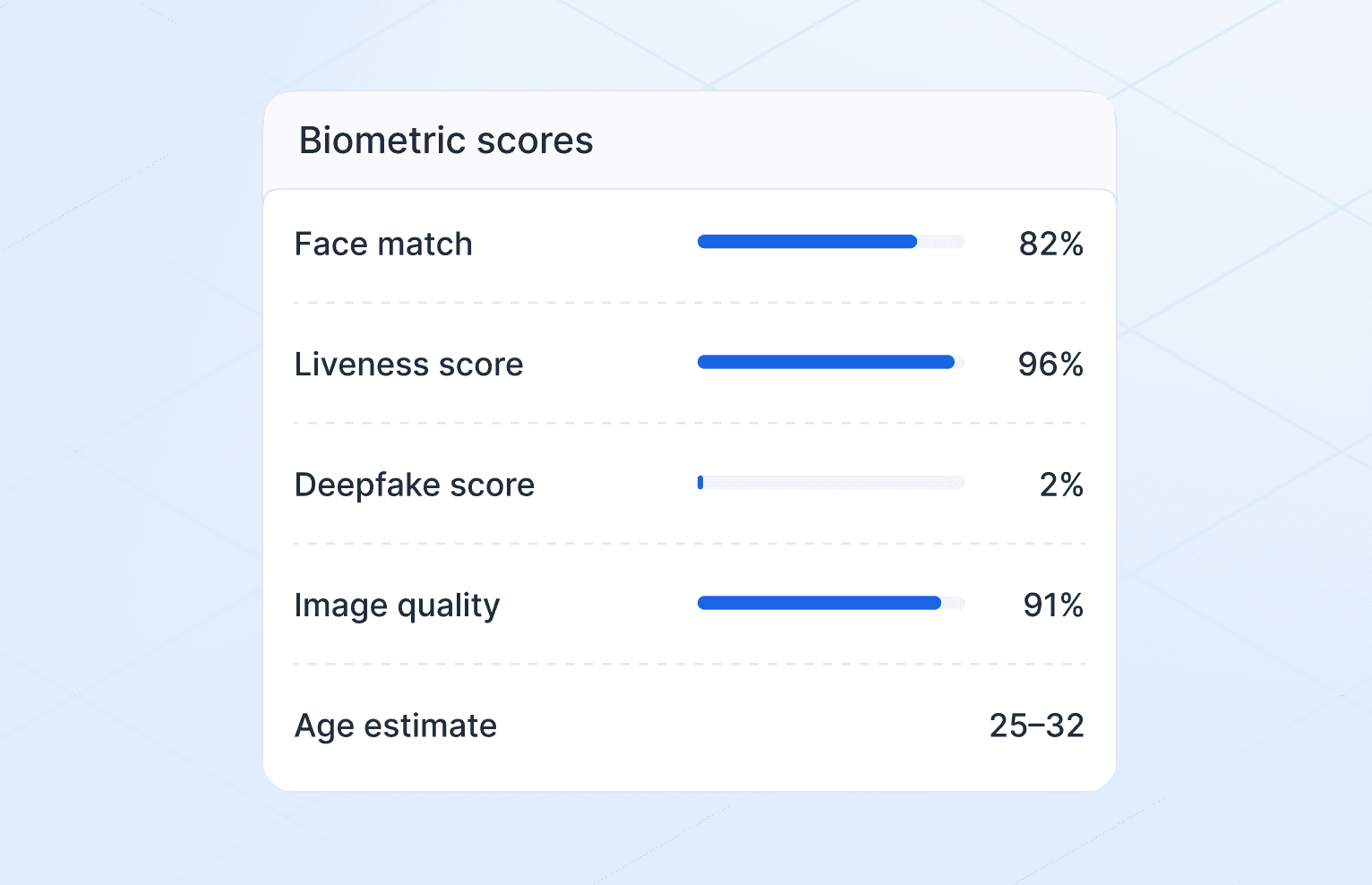
A result such as "verified, document checked, face matched, liveness passed, at this time" is enough for most product decisions. Your backend stores that result. The document images and biometric samples stay with the verification service, under its retention rules, or are deleted once the check completes.
Age verification shows this clearly. An online shop selling alcohol needs to know whether the buyer meets the age threshold, not their name, address or document number. An age check that returns only eligible or not eligible, with the method used and a timestamp, gives the shop what it needs and nothing more. See how this works in practice on our age verification page.
Hosting, residency and access
Where data lives and who can reach it are part of the privacy design, not an afterthought for the infrastructure team.
- Hosting location. Know which country processes and stores verification data. Some customers and regulators require it to stay in a specific jurisdiction. Our glossary covers data residency in more detail.
- Subprocessors. Every vendor in the chain is another place data can travel. Ask for the list and keep it current.
- Access control. Limit who can view document images and selfies, log every access and review the logs. Most staff only need to see the result.
- Deployment model. For organisations with strict requirements, running verification on their own infrastructure keeps the data inside their perimeter.
Design for trust
Privacy is part of the product, not an afterthought. Clear flows and minimal data make verification safer and easier to explain.
A useful test: can you explain the flow to a user in three sentences? What you collect, why, and how long you keep it. If the answer needs a page of caveats, the flow probably collects too much.
Good flows make this visible. Tell users before capture what will be checked. Show that the session is secure. Tell them what happens next and where to ask about their data. People are far more willing to complete a check they understand.
A short checklist:
- One documented purpose per flow.
- Only the data that purpose requires.
- Results returned to your systems, not raw images.
- Retention periods set per data type, with automatic deletion.
- Known hosting location and subprocessor list.
- Restricted, logged access to sensitive material.
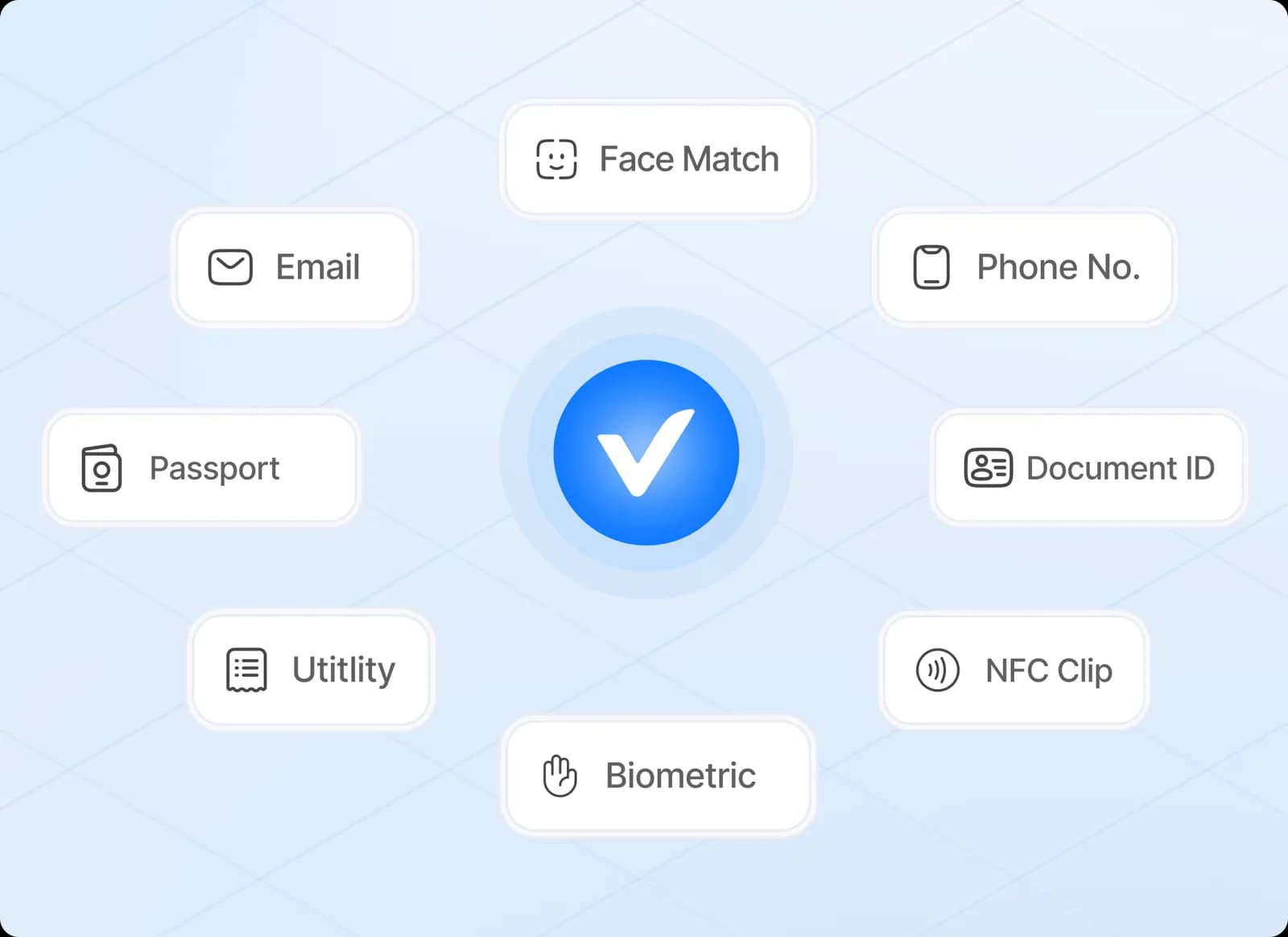
secuveri processes and stores data in Switzerland, offers on-premise deployment and lets you choose which checks run in each flow, so a flow only collects what it needs. Subprocessors for the platform are listed in our customer agreements; those for our website are on our subprocessors page.
This article is general information, not legal or compliance advice. Your obligations depend on your sector, licence and markets.