Overview
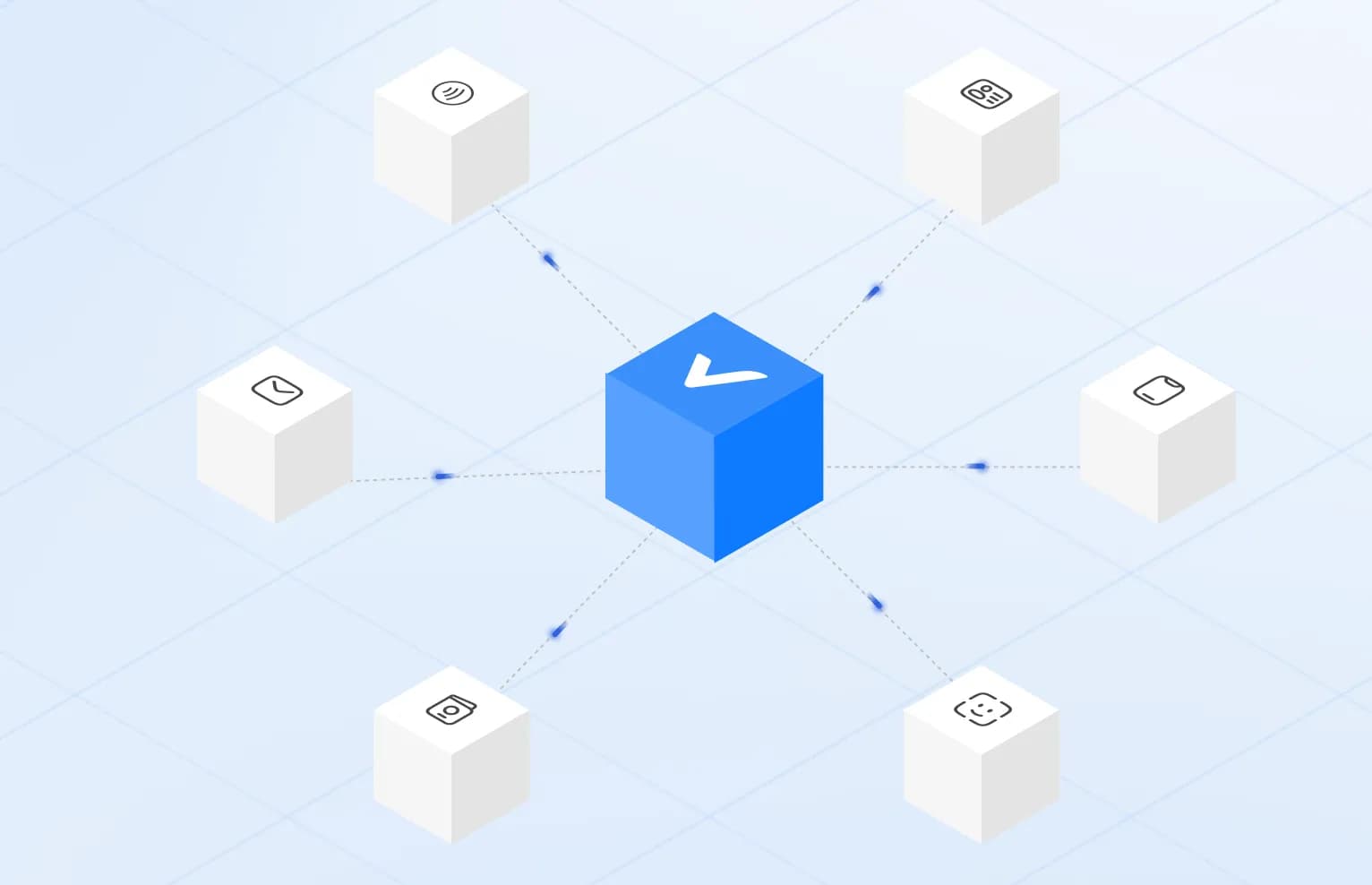
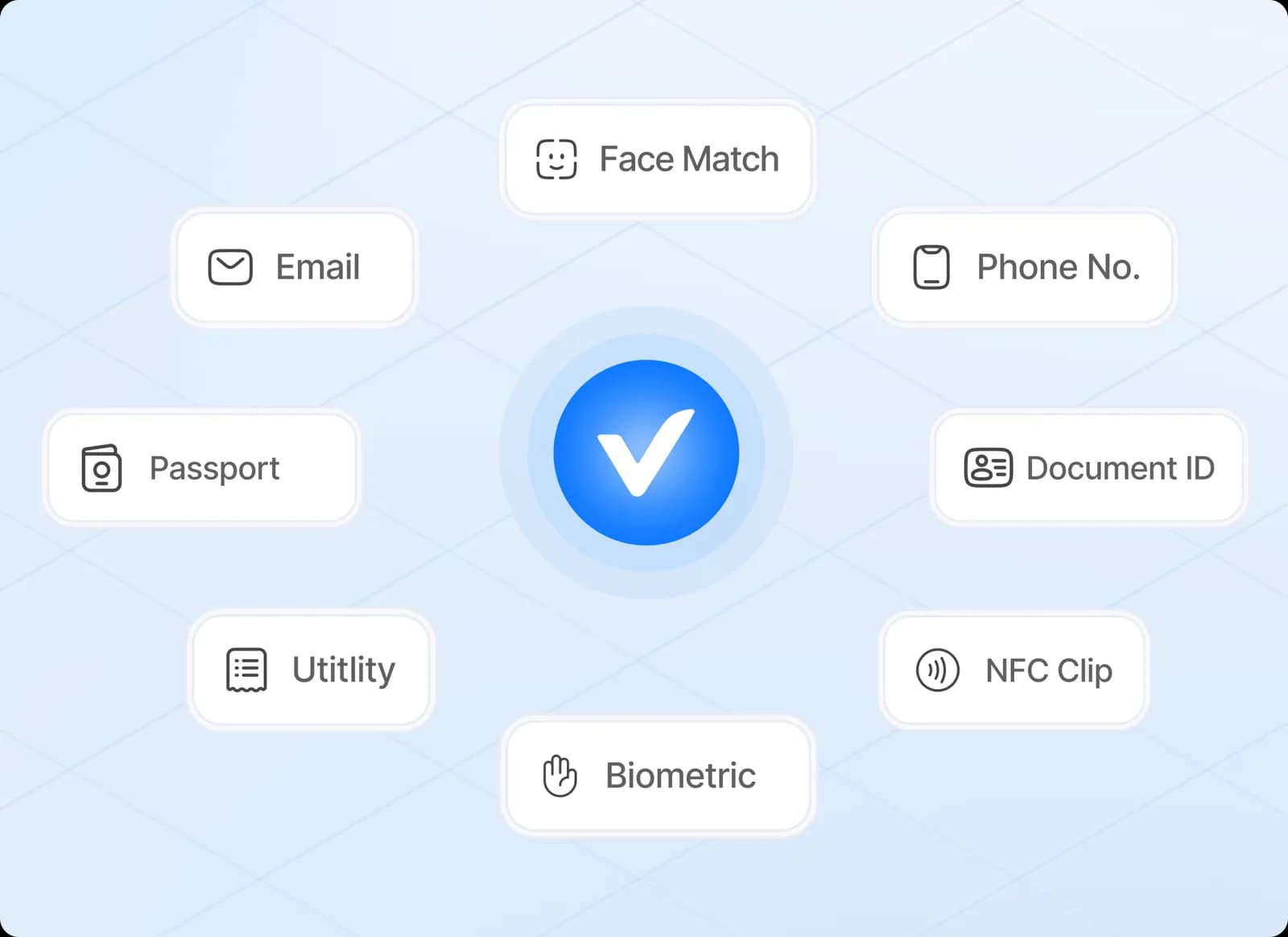
Modern identity verification combines multiple checks, covering documents, biometrics and signals, into a single flow that balances assurance with user experience.
From the user's side, the flow is short. They photograph an identity document, perhaps tap it against their phone, and take a selfie. Behind that, several independent checks run, each looking at a different kind of evidence. The result is a decision the business can act on, along with enough detail to explain it.
This post walks through those layers in the order they usually run, and the choices a business makes at each step.
Capture
Everything downstream depends on the quality of what is captured. A blurred document or a dark selfie causes failures that have nothing to do with fraud.
Good capture means guiding the user in real time: detecting the document edges, warning about glare, asking them to hold still, and only taking the image once it is usable. It also means checking that the images come from a real device camera, because a session fed by a virtual camera or emulator can bypass every later check.
Many users start on a desktop, where the camera is poor and there is no NFC. A common pattern is to show a QR code that hands the session to the user's phone, then return them to the desktop once the capture is done.
Document checks
Government-issued IDs are still the foundation. Optical and NFC reads confirm the document is genuine before anything else proceeds.
The document check usually has three parts.
Data extraction. The machine-readable zone on passports and many ID cards is read and its check digits validated. The visual zone and any barcodes are read too, and the fields are compared with each other. A date of birth that differs between the MRZ and the printed text is a strong signal.
Authenticity. The document is compared with the issuer's template: layout, fonts, positions of fields, and printed and optically variable security features. This is where altered portraits, edited text and counterfeit cards tend to show up.
Chip verification. Many modern passports and ID cards contain a chip. NFC verification reads the data on it, including a portrait, and validates the issuer's digital signature. A valid signature shows the data was written by the issuing authority and has not been changed. It is the strongest document evidence available in a remote flow, but it needs a chip-enabled document and an NFC-capable phone, so flows should handle the fallback to optical checks.
Which documents are supported, and which carry chips, varies by country. The coverage pages list what is accepted per market.
Biometrics and liveness
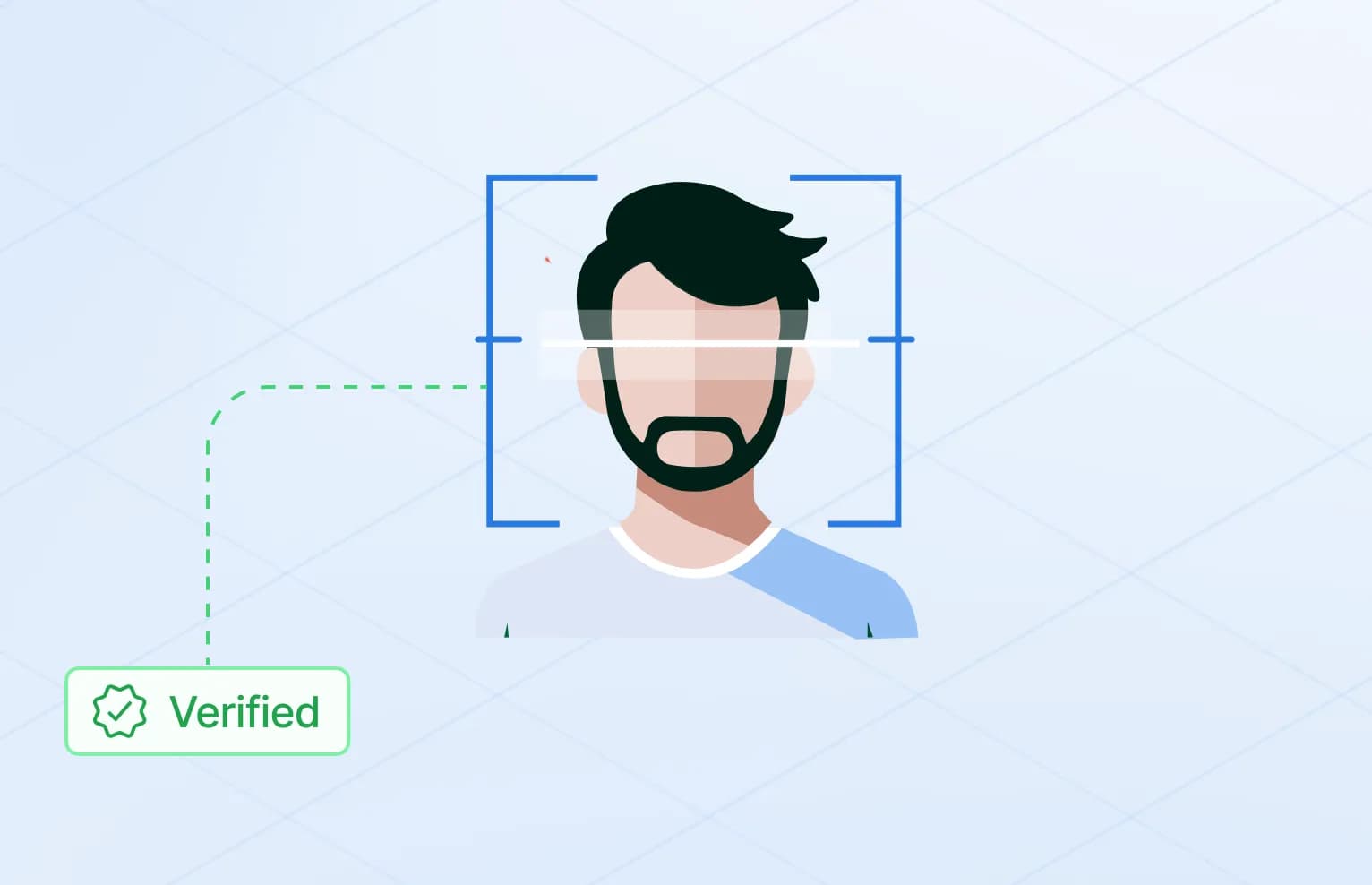
Face matching ties the document to the person presenting it. Liveness detection reduces replay and spoofing attacks.
Face matching compares the selfie with the document portrait, or with the chip portrait where one was read. It produces a similarity score, and the business decides at which score to accept. A stricter threshold stops more impostors but rejects more genuine users, so the setting should follow the risk of the flow.
Liveness confirms that a real person is present, rather than a photo, a video on a screen or a mask. It can be passive, analysing the selfie without extra steps, or active, asking the user to move or respond to a prompt.
Fraud signals
Some attacks are not caught by asking whether the document is real or the face matches. They show up in patterns across sessions or in the capture itself:
- the same document, or the same image of it, appearing on several accounts
- morphed portraits that blend two faces
- synthetic or generated faces
- injected video feeds and deepfakes
- inconsistencies between document data, face and session
These signals are covered in more depth in our post on the anatomy of identity fraud and on the fraud prevention page.
Putting it together
A production stack layers these checks so each one covers a different failure mode, without adding unnecessary friction for legitimate users.
The final step combines the results into one decision. Many flows use three outcomes rather than two:
| Outcome | Typical meaning | What happens next |
|---|
| Approve | All checks passed with enough confidence | User continues automatically |
|---|
| Review | A check was inconclusive or a signal needs a human look | Case goes to a reviewer |
|---|
| Reject | A check failed clearly or a fraud signal was confirmed | User is stopped, with a clear message where appropriate |
|---|
Not every flow needs every layer. An age check may only need to confirm a date of birth, while a regulated onboarding needs the full set. When designing a flow, decide:
- which checks are required for your licence or policy, and which are optional
- whether NFC is required, preferred or skipped
- where the thresholds sit and who handles the review queue
- which data is returned to your systems and how long anything is kept
- where the data is processed and stored
Where secuveri fits
secuveri runs document checks with NFC chip reading where available, face matching, liveness detection and fraud signals as one flow, with documents from 46 countries supported. You choose which checks run per flow, brand the flow as your own, and hand users from desktop to phone with a QR code. Data is processed and stored in Switzerland, and on-premise deployment is available.
This article is general information, not legal or compliance advice. Your obligations depend on your sector, licence and markets.